Badger
Add Product Badges & Labels to Your Products
Key Features
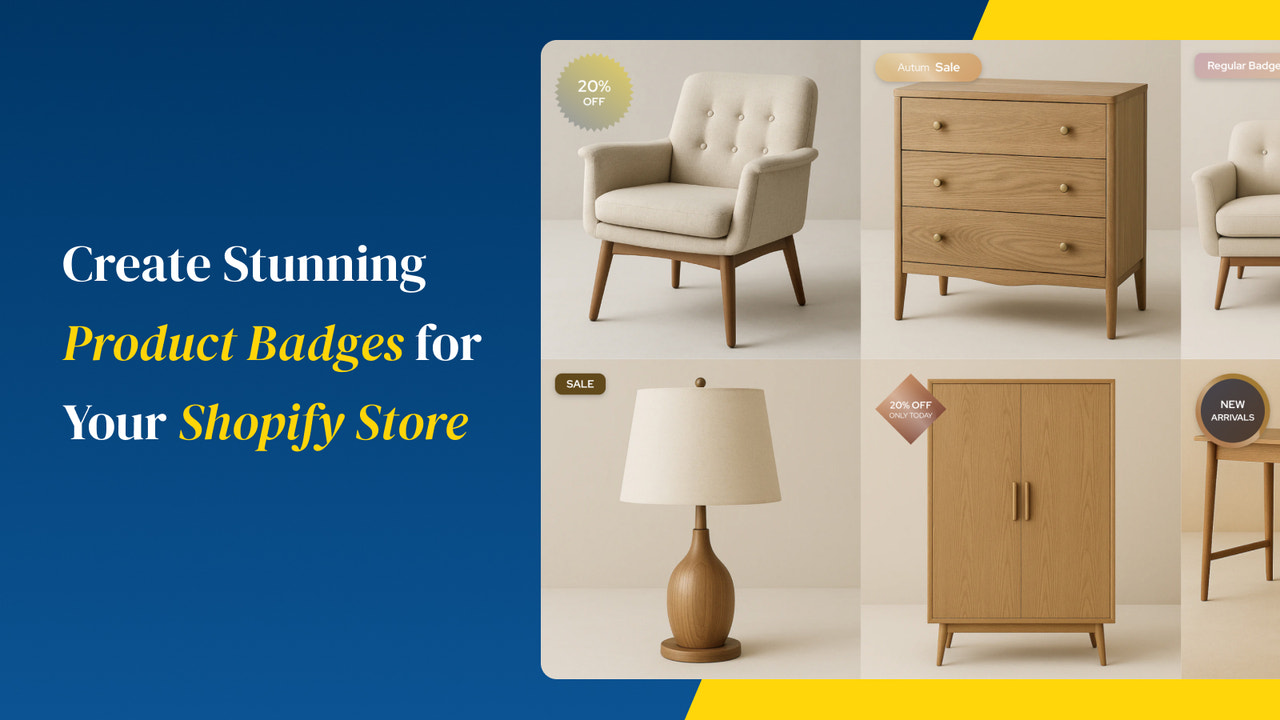
Pre-built Badge Library
Choose from dozens of professionally designed badges — Sale, New, Bestseller, Limited, and more.
Custom Badges
Create your own badges with custom text, colors, shapes, and icons. Upload your own badge images.
Auto-Badges
Automatically assign badges based on rules — on sale, low stock, new arrivals, specific collections, and more.
Precise Positioning
Place badges exactly where you want them on product images. Supports all four corners and custom offsets.
Collection & Product Pages
Badges display on both collection pages and individual product pages automatically.
Scheduled Badges
Set start and end dates for badges. Perfect for flash sales, seasonal promotions, and limited-time offers.
Pricing
All plans include a free trial.
Frequently Asked Questions
Will badges work with my theme?
Badger is compatible with all Shopify themes. It automatically detects your product image containers and positions badges correctly.
Can I show multiple badges on one product?
Yes! You can stack multiple badges on a single product. Each badge can be positioned independently so they don't overlap.
How do auto-badges work?
Set conditions like "product is on sale" or "inventory below 10" and Badger automatically adds the appropriate badge. Badges update in real-time as conditions change.
Ready to try Badger?
Install now and start your free trial. No credit card required.